The checkmark isn’t the check.
The function can count bytes. Only a look at the page can tell you whether the last digit survived. Try the 500 KB limit on the price list, then flip between Copy and Original.
Live demo
Pick a photo of paper and a size limit. This page runs the exact function from the article, right here in your browser, then shows you the copy so you can check every digit. Nothing is uploaded.
Choose a photo to begin
The result will appear here.
Unchanged from the article. It returns a file that fits, the original when it already fits, or null when it can’t prepare one.
The function can count bytes. Only a look at the page can tell you whether the last digit survived. Try the 500 KB limit on the price list, then flip between Copy and Original.
The tax form already fits at 2 MB, so it comes back untouched. The letter can’t fit 500 KB without going below the quality the function allows, so it returns nothing and the form asks for another photo.
This runs on the phone to spare people’s data plans. Uploads can still arrive from places that skip your code, so check them again.
Where this comes from
The form turned her pictures away and never said what to do next. I showed her a workaround, then wrote the function above, because the form was better placed to do that work than she was. Two other things grew out of that afternoon. They’re here in case one of them is useful to you.
For the days when you’re the one holding the photo that’s too big. It makes the smaller copy
on your own phone or computer, so nothing is uploaded. It’s free and open source. If you build
forms, the same engine is a small library, compresso.js.
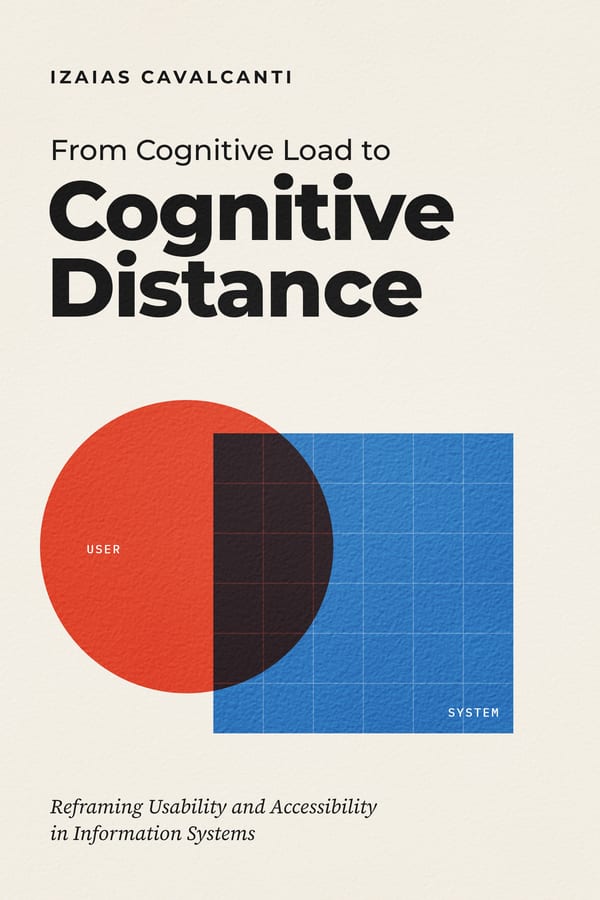
The longer story behind this page: why people can finish a digital task without understanding what the system did, and how teams can measure that gap and design it away. The preface and first three chapters are free to read, with no sign-up.
My real hope is that forms make all of this unnecessary, so nobody has to shrink a photo by hand again.